
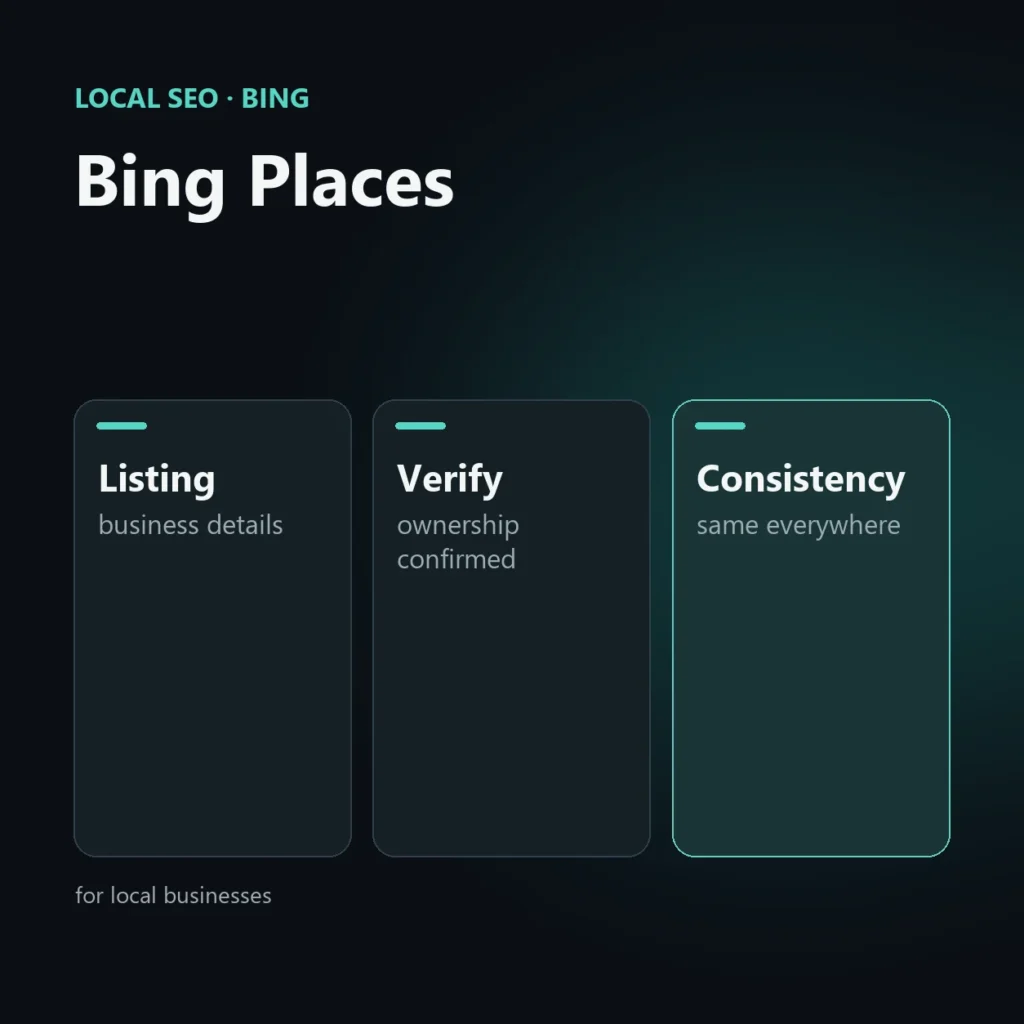
Bing Places for Business is Microsoft’s free tool for managing the listing of a business with a real location on Bing and Microsoft maps. It is for businesses that receive customers at a physical place or work in a service area; it is not for online-only businesses, which have no location to show.
This guide explains who it is useful for, how to proceed and which details to maintain. It is part of the series on Bing SEO.
Who needs it and who does not
- It is for shops, professional practices, restaurants, workshops and anyone working at customers’ premises in a defined area.
- It is not for businesses with no public premises and no real service area. Creating a listing with an address that does not match a real business can lead to rejection or removal.
In the AI Performance announcement, Microsoft recommends that local businesses register with Bing Places and keep their details current (see the guide to the AI Performance report).
Why consider it outside the US and UK
In many European countries Bing has a much smaller share than Google, so for most businesses the Google listing stays the priority. Bing Places makes most sense in three cases: the business has customers in the UK or the US, where Bing weighs more; the sector has an audience that uses Microsoft products; or you want to cover every channel after sorting out Google.
How to proceed
- Sign in with a Microsoft account and start creating the listing.
- Import the data from another listing, if the tool offers it, or enter it by hand.
- Fill in the business details: name, address, phone, website, hours, categories.
- Verify ownership with one of the methods the tool offers. Available methods and timing may vary, so follow the ones shown at the time.
- Add photos, description and services as soon as the listing is active.
The details to maintain
- Name: the real business name, with no added keywords.
- Address and phone: identical to those on the website and other listings.
- Hours: up to date, including special closures.
- Categories: the primary one and relevant secondary ones.
- Photos: real ones, of the premises and products.
Consistency with the rest of the web
The same information must appear identically on the website, on the Google listing and in other sources. Differences in name, address or phone confuse the systems that collect data and reduce trust. The site should have a page with the business details and, where it makes sense, the matching structured data (see the page on Local SEO).
What is not verified
There is no official data saying how much weight Bing Places has in Copilot’s or other assistants’ answers. Treat it as a channel to cover, not a proven lever.
Frequently asked questions about Bing Places
Is Bing Places free?
Yes, managing the basic listing is free.
Can I import my listing from Google?
The tool generally has an import feature from other listings; check the interface for the options active at the time.
Is it useful for an online-only business?
No. Without a real location or service area, the listing has no place to show and risks rejection.
Does it make the business appear in Copilot?
No official data proves it. Microsoft recommends it to local businesses but does not quantify the effect.
Can people find your local business?
If you have premises or a service area, I sort out the Google and Bing listings and the details on your site, so they are consistent everywhere.
Keep reading
SEO, GEO and AEO specialist
Related articles
 Local SEOLocal Pack Competitor AnalysisOctober 30, 2026
 Local SEOGoogle’s playbook for local businesses: what it reveals about the algorithm’s prioritiesSeptember 24, 2026
 Local SEOLocal SEO is no longer just «optimize the listing»: the new geography of searchSeptember 24, 2026
Explore by topic