
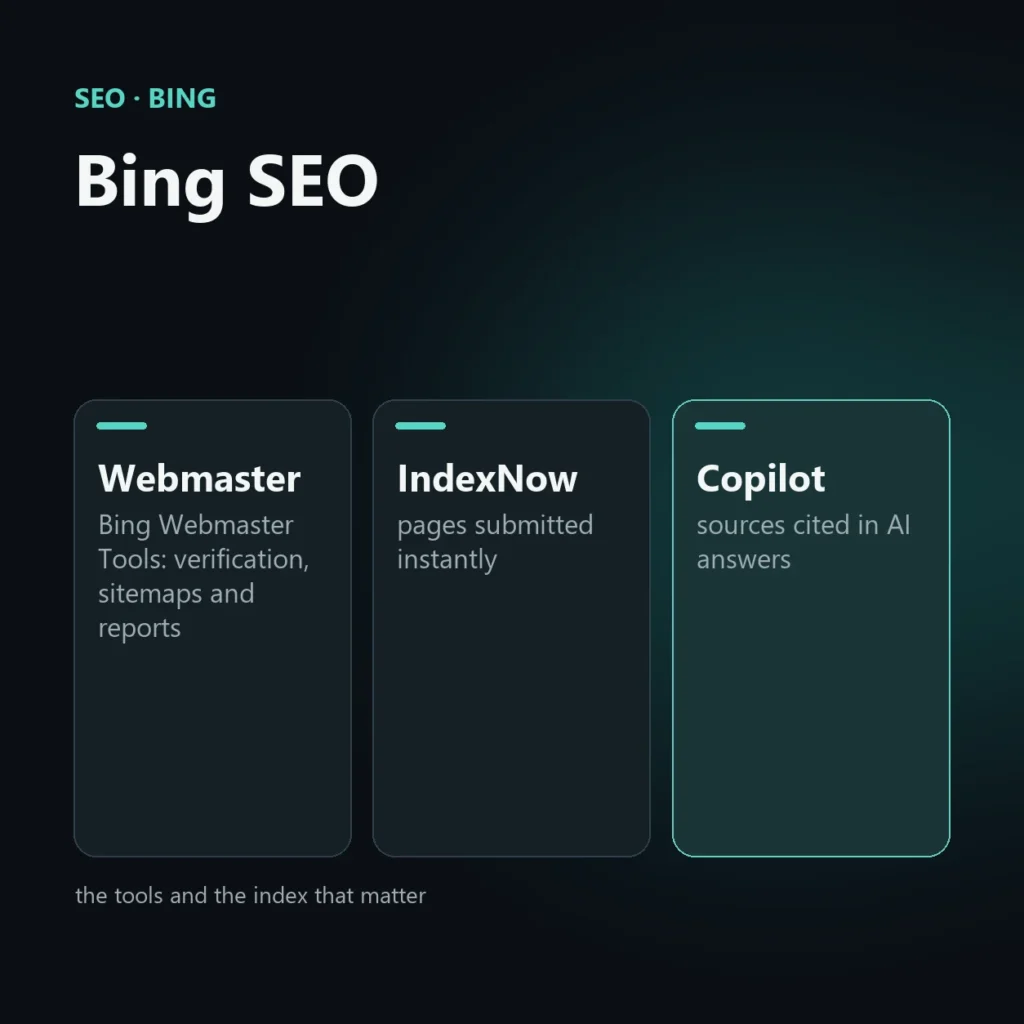
Bing SEO is the work that makes a website visible in Microsoft’s search results. The extra effort compared with Google is small: register the site in Bing Webmaster Tools, use IndexNow to announce new pages, and check that Bing’s index actually understands the site. That last point matters beyond Bing itself, because Microsoft Copilot draws on the same index when it writes answers with AI.
This guide covers what is the same and what is different compared with Google, how to set up the tools step by step, what to do when a page is not indexed, how to measure how much Bing matters for your site, and which advice floating around is worth ignoring.
What Bing SEO is and why it is worth your time
Bing is Microsoft’s search engine. It is built into Windows and the Edge browser, and its results also power Microsoft Copilot and, in part, other search services. Its share of searches is well below Google’s and varies a lot by country, but in markets such as the UK and the US it carries real weight. There are three good reasons not to leave it uncovered:
- The fundamentals are the same. A site with useful content, a clean technical setup and links from authoritative sites starts well on both engines. The extra work is small.
- Part of the audience uses it by default. People who search from Edge or Microsoft tools end up on Bing. This is especially common on work computers, where Microsoft’s browser and search engine are the default.
- Bing’s index feeds AI answers. Being indexed and understood by Bing is a prerequisite for appearing in Copilot answers. OpenAI has also said that ChatGPT’s search feature uses Bing as one of its services.
How much Bing matters for your site: measure it, don’t guess
There is no public data solid enough to say that a given industry uses Bing more than Google. For a B2B site, the weight of Windows and Edge in office environments may matter, but that is a hypothesis to test, not a rule. The check is simple, in three steps:
- In Google Analytics, open the traffic sources report and filter the visits coming from bing. Compare them with visits from google over the same period.
- Look at how many of those visits turn into leads or enquiries. A small slice of traffic can be worth a lot if it converts better.
- Register the site in Bing Webmaster Tools (see below) and review impressions, clicks and queries. The first few days show little data, so give it a few weeks.
If Bing already brings visits and leads, it is worth looking after. If it brings few, the basic steps cost almost nothing and the rest of your budget stays where it works best.
What is the same as Google and what changes
The underlying principles are the same: useful content, solid technical structure, links from authoritative sites, a good user experience. Bing’s webmaster guidelines name these families of signals: relevance, quality and credibility, user engagement, freshness, location, and page load time. They do not say how much each one weighs, and the same is true for Google.
The concrete differences are in the tools, in how you announce pages, and in AI-generated answers:
| Aspect | Bing | |
|---|---|---|
| Webmaster tool | Bing Webmaster Tools (can import sites from Search Console) | Google Search Console |
| Announcing new or changed pages | IndexNow, URL submission and sitemaps | Sitemaps and indexing requests in Search Console; IndexNow is not supported |
| AI-generated answers | Microsoft Copilot and Bing’s generated answers | AI Overviews and AI Mode |
| Home ecosystem | Windows, Edge, Copilot | Android, Chrome and Google services |
What not to do: advice to ignore
Plenty of Bing SEO advice online has no support in Microsoft’s own guidelines. Three claims come up again and again:
- “Bing rewards the exact keyword in the title and URL.” The guidelines say titles, headings and opening paragraphs should make clear what the page is about. Repeating the keyword over and over is treated as spam, by Bing as by Google.
- “Social signals weigh heavily.” They are not among the factors Bing names as main ones. Sharing content helps people discover it; it is not a ranking lever.
- “Domain age is decisive.” Nothing in the guidelines says so. A new site with good content does not start beaten.
The rule of thumb: if a source promises the “weights of Bing”, meaning how much each factor is worth, it is guessing. Microsoft does not publish them.
Bing Webmaster Tools: step-by-step setup
Bing Webmaster Tools is Bing’s counterpart to Search Console. The basic path is:
- Sign in and add your site. You can use a Microsoft, Google or Facebook account. The quickest route is to import the site from Google Search Console: if it is already verified there, you do not repeat the verification from scratch.
- Verify ownership if you are not importing. There are three methods: upload a small XML file the tool gives you, add a meta tag to the home page header, or add a CNAME record to the domain’s DNS. The meta tag or the XML file is simplest on WordPress.
- Submit your sitemap. In the sitemaps section, enter the address of your XML sitemap. If you use an SEO plugin, it is usually already generated.
- Check indexing status. See how many pages Bing has indexed, which are excluded and why. If indexing is far lower than on Google, that is the first signal to look into.
Once it is set up, use these tools regularly. Menu names change from time to time, so look for the feature and not the exact label:
- Search performance: clicks, impressions, average position, queries and pages. This is the report to check every month.
- URL inspection: shows how Bing sees a specific page, whether it is indexed and whether there are problems. You can also use it to request a new crawl.
- Site Explorer and backlinks: the site structure as Bing sees it, and the inbound links, useful to understand who mentions you.
- Site scan and technical alerts: issues with titles, headings, images, redirects and speed.
- Crawl control: lets you adjust how often Bingbot visits the site, useful if the server is weak.
In 2026 Microsoft added, as a preview, an AI performance report: it shows how often your pages are cited in Copilot answers and Bing’s AI summaries, with the cited pages and the questions they answered. It does not report clicks. It is a visibility signal, not a traffic measurement, and should be read that way.
When a page is not indexed on Bing
It is common, especially with newer sites, for Bing to index fewer pages than Google does on the same site. That is a widespread observation among people who use Bing’s tools, not a figure Microsoft publishes. To find the cause, work through this in order:
- Inspect the URL in Bing Webmaster Tools. The tool says whether the page was discovered, crawled or excluded, and usually gives the reason.
- Look for an accidental block. A noindex left over from a testing phase, a robots.txt that blocks crawling, a canonical pointing elsewhere.
- Check that the page is reachable. Server errors, redirect chains or pages behind a login prevent crawling.
- Assess quality. Very thin or near-duplicate pages with no purpose of their own are the ones search engines most often choose not to index.
- Submit the page. Once you have fixed the issue, submit the URL in Bing Webmaster Tools or use IndexNow.
If Bingbot seems to be blocked by your server, also check that visitors using that name really are Microsoft: you do this with a reverse DNS lookup on the IP address, which must resolve to a search.msn.com host.
IndexNow: announce new or changed pages right away
IndexNow is a protocol launched in 2021 by Microsoft and Yandex. With a single request, a site says that a URL was created, updated or deleted, and the notice reaches the search engines that have adopted it, including Bing and Yandex. It does not force indexing: it gets the news across immediately instead of waiting for the engine to come back to your site. Google does not support it, so sitemaps and Search Console are still needed.
How it works in practice:
- You generate a key. It is an alphanumeric string, unique to your site.
- You publish a text file in the site root, named after the key and containing the key itself. It proves the site is yours.
- You send the notification with an address that contains the changed URL and the key, or with a request that lists several URLs at once (the protocol accepts thousands per request).
In practice you rarely do this by hand. Many CMSs and SEO plugins include IndexNow: on WordPress, for example, Rank Math’s instant indexing module handles it, and every post published or updated is sent automatically. For a site that publishes or updates often, it is the fastest way to let Bing find out about changes.
Why Bing’s index matters for AI answers too
Microsoft Copilot and Bing’s generated answers draw on results from Bing’s index and cite their sources with links next to the text. ChatGPT’s search feature has also named Bing as one of the services it uses, though not the only one, and the share is not public. A site that Bing has not indexed or does not understand is less likely to be cited in these answers. Being present on Bing is therefore a low-cost prerequisite for visibility in AI answers.
No technique guarantees a citation. What you can do is make content easy for an automated system to read and reliable for the people who read it:
- answer the most common questions in the first lines of a paragraph, in plain language;
- use headings and subheadings that reflect the questions people actually ask;
- show who wrote the content, cite verifiable sources and keep pages up to date;
- use structured data where it makes sense, for example for FAQs;
- check that the site is indexed on Bing and that Bingbot is not blocked.
To check whether it works, the most direct method is to ask Copilot the questions you want to answer and see which sources it cites, and to use the AI performance report in Bing Webmaster Tools when it is available. For the broader picture of work on generated answers, see my GEO consulting and AEO consulting pages.
Bing and businesses with a physical location
If a business has a location open to the public, Bing has a service for business listings, Bing Places for Business, similar to the Google Business Profile. It is only worth it when there is a real place customers can visit, and it matters more in countries where Bing is widely used, such as the UK and the US. For businesses that work remotely only, it is not the right tool: you work on the pages of the site instead. A listing can be created from scratch or imported from the one already on Google.
Checklist: where to start in 30 days
- Week 1: register the site in Bing Webmaster Tools (import it from Search Console if possible), confirm ownership and submit the sitemap.
- Week 1: check robots.txt and look for accidental noindex tags. Make sure Bingbot is not blocked.
- Week 2: turn on IndexNow if the site publishes or updates content often.
- Week 2: check the indexing status of your main pages and fix unwanted exclusions.
- Week 3: tidy titles, headings and opening paragraphs: they should make clear what the page is about, without forced keyword repetition.
- Week 3: check loading speed, URL structure and structured data.
- Week 4: read the search performance report and compare visits from Bing with visits from Google, to decide how much to invest.
- Ongoing: earn links from reliable, relevant sources. Bing’s guidelines treat purchased links, or links obtained through artificial schemes, as a violation.
More on Bing SEO
- Bing Webmaster Tools guide
- IndexNow: what it is and how to enable it
- Microsoft Copilot SEO: how to get cited
- The Bing AI Performance report
- ChatGPT and Bing: what we actually know
- Bingbot: how to verify and control it
- Pages not indexed on Bing
- Bing traffic in Google Analytics 4
- Bing Places for Business
Frequently asked questions about Bing SEO
Is Bing SEO different from Google SEO?
The underlying principles are the same, but the tools differ (Bing Webmaster Tools instead of Search Console) and so does the way you announce pages (IndexNow, which Google does not support). The weights of individual factors are not public for either engine.
Is it worth optimizing for Bing?
For most sites, yes, because the extra work is small: register the site, submit the sitemap and, if useful, turn on IndexNow. To decide how much to invest, look at the data: if Bing already brings visits and leads, it is worth looking after.
Does content optimized for Google also work on Bing?
Largely yes, because both engines reward useful content and technically sound sites. You additionally need to register in Bing Webmaster Tools and, if the site changes often, use IndexNow.
Does Bing use social media signals?
Bing’s current guidelines do not list social signals among the main factors. Treat them as secondary to content, links and technical aspects: social media mainly helps people discover content.
How long does it take to see results on Bing?
It depends on the industry, the competition and the starting state of the site. In general, several months of steady work are needed to see stable improvements in rankings.
How do I know whether my site is indexed on Bing?
The most reliable way is Bing Webmaster Tools, which shows indexed and excluded pages. Alternatively, search Bing for the address of a specific page: if it does not appear, inspect the URL in the tool and look for blocks such as noindex or robots.txt.
Can I use IndexNow if I already use Google Search Console?
Yes, the two do not exclude each other. Search Console and the sitemap serve Google, which does not support IndexNow. IndexNow announces changes to Bing and the other engines that have adopted it.
Does Bing index fewer pages than Google?
Often yes, especially on new sites or sites with thin content. This is not a figure published by Microsoft but a widespread observation. If your important pages are not indexed, inspect the URL in Bing Webmaster Tools and look for the cause in the status the tool shows.
Does being on Bing get me into ChatGPT answers?
There is no guarantee. OpenAI has named Bing as one of the services ChatGPT uses for search, but not the only one, and has not said how much it weighs. Being indexed on Bing is a low-cost prerequisite, not a sure way to be cited.
How much does Bing really matter for your business?
The answer is in your own data: where visits come from today, which search engines your customers use, and where an extra hour of work pays off. I start from those numbers and tell you whether Bing deserves attention or whether your budget is better spent elsewhere.
SEO, GEO and AEO specialist
Related articles
 SEOContent Gap Analysis: What Competitors Write and You Don’tOctober 30, 2026
 SEOBacklink Gap: Analyzing Competitor LinksOctober 30, 2026
 SEOHow to Find Your Real SEO CompetitorsOctober 30, 2026
Explore by topic