
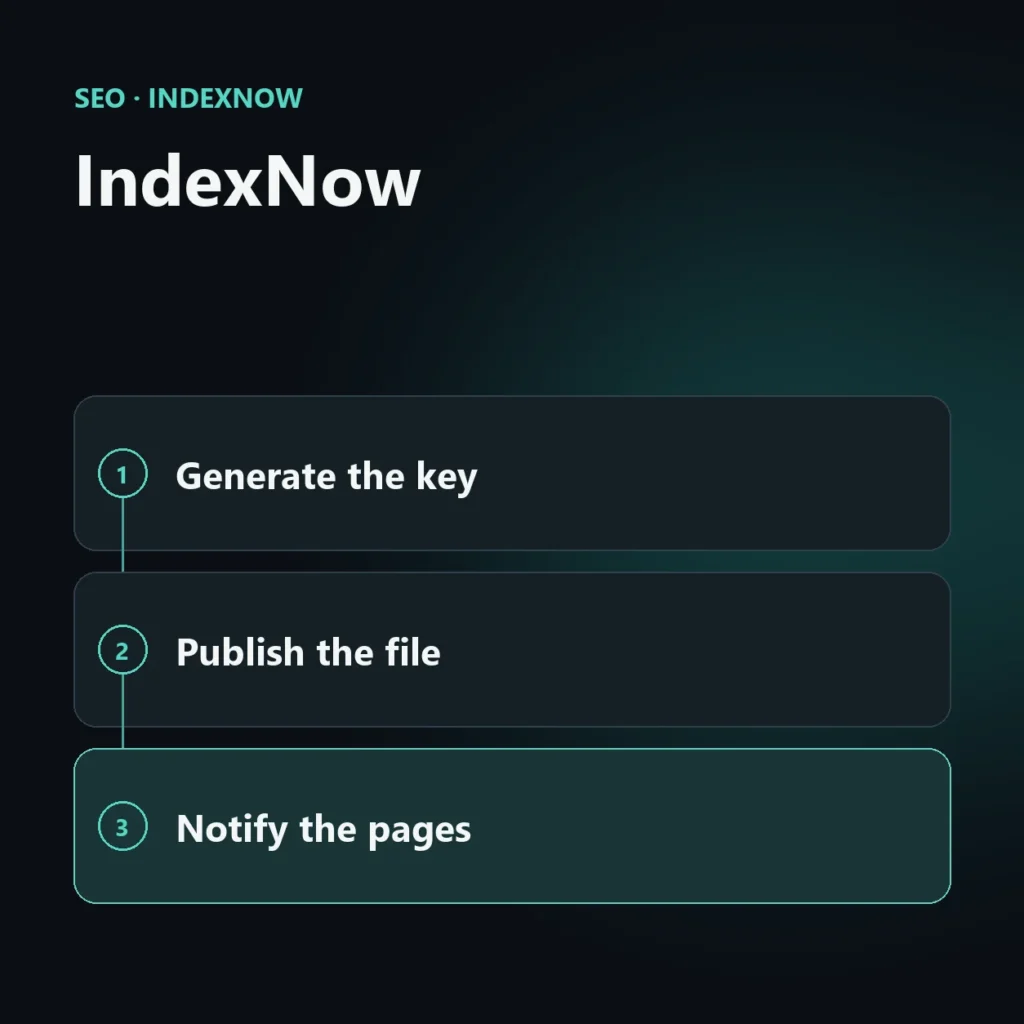
IndexNow is a protocol that lets a website tell search engines that a URL has been created, updated or deleted, without waiting for the engine to come back and check. Microsoft and Yandex launched it in 2021. It does not guarantee indexing: it gets the news across right away, and the decision to index stays with the search engine.
This guide explains how the protocol works, what you need to turn it on, how to do it on WordPress and which response errors you may run into. It builds on the overview of Bing SEO.
What IndexNow is and what it solves
Normally a search engine finds out about changes to a site by coming back at intervals. For a site that publishes rarely this is not a problem, but for one that updates often, such as an active blog, a store whose prices and stock change, or a news site, the wait can cost time. With IndexNow, the site gives the news itself: one request with the changed address and a key that proves the site is yours.
The participating engines share the addresses they receive, so notifying one is enough. Google does not support IndexNow: for Google, sitemaps and Search Console are still needed.
What you need to turn it on
- A key. It is a string of 8 to 128 characters; the official documentation allows lowercase and uppercase letters, digits and dashes. You generate it yourself, there is no registry.
- A text file containing the key. It is published in the site root with the name
key.txt(where “key” is the key itself), in UTF-8, with the key as the only content. It is the proof that you control the site. Alternatively, you can place it elsewhere on the same site and state the location in every request, but a file in a folder can only validate addresses under that folder. - The notification request. For a single address you use a GET request with the address and the key. For several addresses you use a POST request with a JSON body.
How to make the request
The request for a single address looks like this:
https://api.indexnow.org/indexnow?url=https://yoursite.com/page/&key=YOUR-KEYFor several addresses, you send a POST request to the engine with the header Content-Type: application/json; charset=utf-8 and a body like this:
{
  "host": "yoursite.com",
  "key": "YOUR-KEY",
  "urlList": [
    "https://yoursite.com/page-1/",
    "https://yoursite.com/page-2/"
  ]
}
The keyLocation field is only added if the key file is not in the root. A single POST request accepts up to 10,000 addresses, and you can mix http and https addresses.
The response codes
| Code | Meaning |
|---|---|
| 200 | URL submitted successfully. |
| 202 | Received; key validation is still pending. |
| 400 | Invalid request format. |
| 403 | Invalid key: the file cannot be found or does not contain the key. |
| 422 | The URLs do not belong to the stated host, or the key does not match the protocol schema. |
| 429 | Too many requests: the limit was exceeded, which the protocol associates with possible abuse. |
A 200 only means the search engine received the address. It does not say the page will be indexed, or when.
How to enable it on WordPress
You rarely do it by hand. On WordPress there are two common routes:
- With your SEO plugin. Rank Math has an instant indexing module that handles IndexNow: you turn it on, it generates and publishes the key file by itself and sends a notification for every post published or updated. Other SEO plugins have similar features.
- With a dedicated plugin. There are plugins that do only this.
After turning it on, check two things: that the key file is reachable at its public address (just open it in the browser), and that notifications really go out when you publish or update a test post.
When it really helps and when it does not
IndexNow matters most where changes are frequent: active blogs, e-commerce with changing prices or stock, news sites, pages that get deleted or replaced. For a site that publishes two posts a month the effect is small, but it costs nothing once the plugin handles it.
It does not replace the sitemap and indexing checks. If a page is not being indexed, the problem is almost always elsewhere: the guide to pages not indexed on Bing explains how to look for it.
Common mistakes
- A missing or misplaced key file, which produces a 403 error.
- Addresses from another site in the same request, which produces a 422 error.
- Mass notifications for every small change, which can lead to a 429 error. Notify when a content has really changed.
- Expecting immediate indexing. The notification speeds up discovery, not the decision to index.
Frequently asked questions about IndexNow
Does IndexNow work with Google?
No. Google does not support the protocol: for Google you need the sitemap and Search Console.
Does IndexNow guarantee indexing?
No. It delivers the news that a page is new or changed; whether to index it is up to the search engine.
Do I have to notify every search engine?
No. The participating engines share the addresses they receive, so notifying one is enough.
Is it useful if I publish rarely?
The effect is small, but once your plugin handles it, it takes no work. The biggest benefit goes to sites that change often.
How many addresses can I send together?
Up to 10,000 with a single POST request.
Do your new pages get found quickly?
Turning on IndexNow takes minutes, but knowing whether your important pages are discovered and indexed takes a check. I look at where your pages stall and tell you what it takes to unblock them.


SEO, GEO and AEO specialist
Related articles
 SEOContent Gap Analysis: What Competitors Write and You Don’tOctober 30, 2026
 SEOBacklink Gap: Analyzing Competitor LinksOctober 30, 2026
 SEOHow to Find Your Real SEO CompetitorsOctober 30, 2026
Explore by topic