
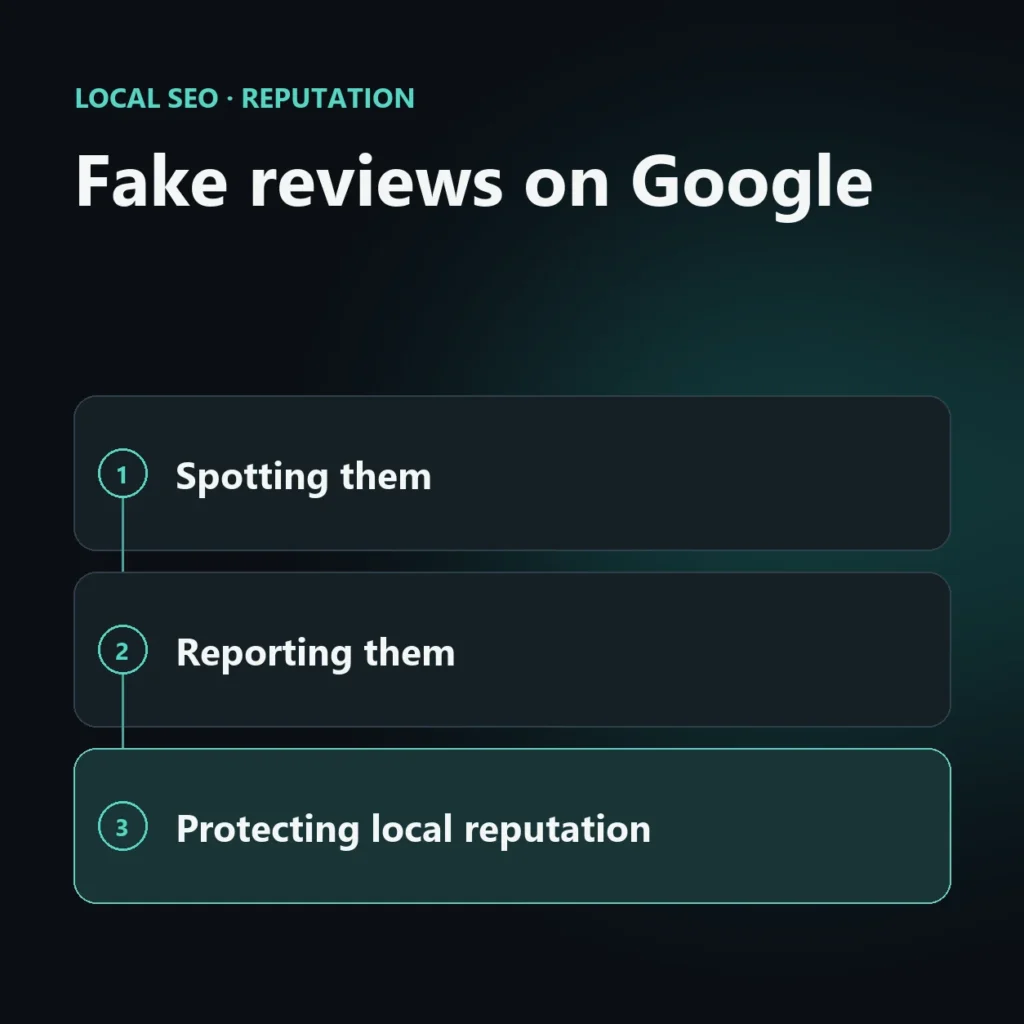
Fake reviews on Google are reported directly from the Google Business Profile listing or from the public listing on Maps, by clicking the three dots next to the review and selecting “Report review”. Google removes them only if they explicitly violate its guidelines, not simply because they are negative.
How to recognize a fake review
The most common signs are: recently created accounts with no other reviews, generic language that doesn’t mention specific details of the experience, reviews posted in a batch within the same time span, or coming from an identifiable direct competitor.
How to report a fake review
- Find the review on Google Maps or in the Google Business Profile listing
- Click the three vertical dots next to the review
- Select “Report review” and state the reason (fake content, conflict of interest, offensive language)
- Wait for Google’s review, which can take from a few days to several weeks
If the automatic report gets no result, you can open a case through official Google Business Profile support, attaching supporting evidence (screenshots, evidence that the customer never existed in your database).
How to protect your local reputation over time
Beyond reactive reporting, it is worth working proactively: always reply to reviews (positive and negative), ask satisfied customers for real reviews right after purchase, and periodically monitor your online presence. A structured Google review management strategy reduces the impact of any isolated fake reviews.
Frequently asked questions about fake reviews
Does Google always remove reported reviews?
No, only if they explicitly violate the content guidelines; a negative but legitimate review is not removed.
How long does Google take to review a report?
From a few days to several weeks, depending on the volume of reports in the queue.
Can you reply publicly to a fake review?
Yes, and it is recommended: a professional public reply reassures other users even while the report is in progress.
Keep reading
SEO, GEO and AEO specialist
Related articles
 Local SEOLocal Pack Competitor AnalysisOctober 30, 2026
 Local SEOBing Places for Business: Listing GuideOctober 30, 2026
 Local SEOGoogle’s playbook for local businesses: what it reveals about the algorithm’s prioritiesSeptember 24, 2026
Explore by topic