
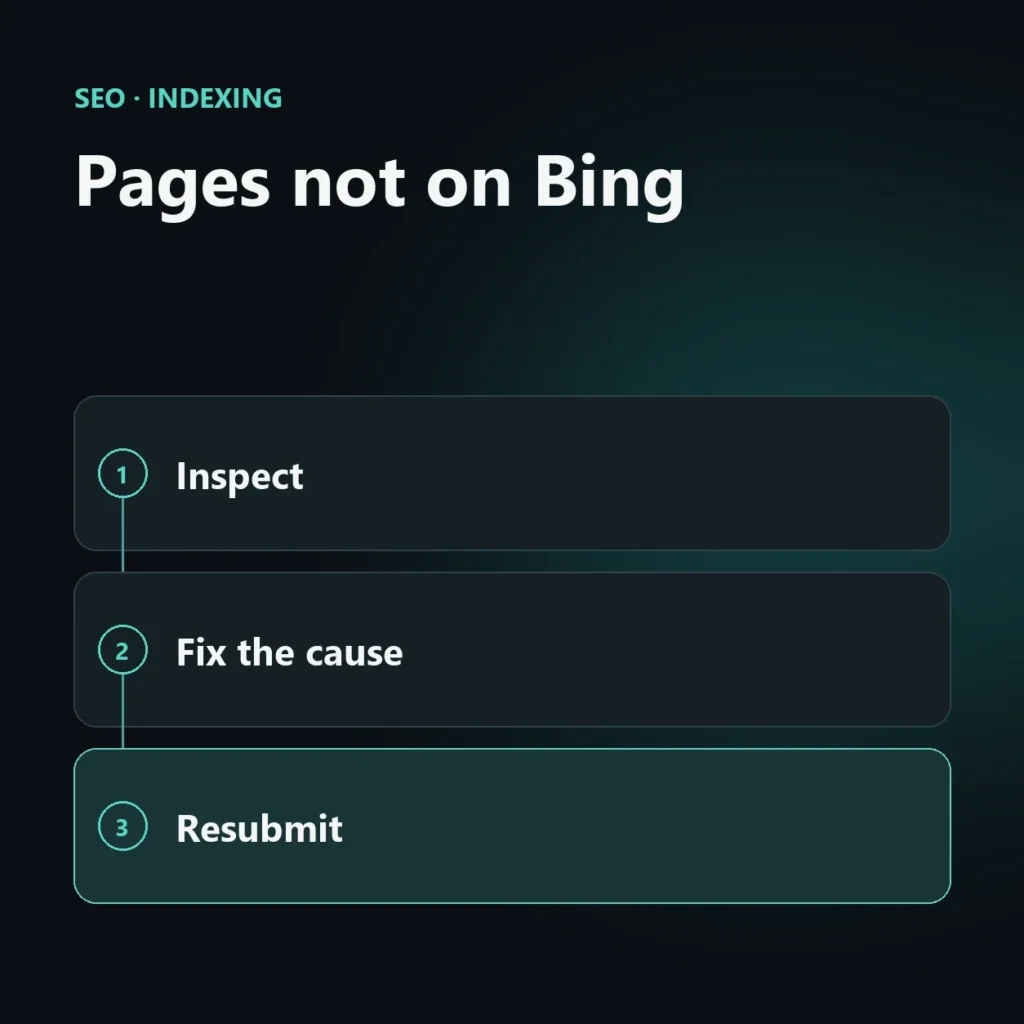
A page does not show on Bing when Bing has not found it, could not read it, or decided not to put it in the index. They are three different problems with different fixes: telling them apart is half the work.
This guide follows a simple order of checks, from the most trivial causes to quality issues. It is part of the series on Bing SEO.
First step: check that it is really not indexed
- Search Bing for the page’s full address, or use the
site:operator followed by the domain. The operator’s result is indicative, not exact. - In Bing Webmaster Tools use the URL inspection tool, which tells you whether the page is in the index and what Bing met (see the guide to Bing Webmaster Tools).
Before hunting technical problems, remember that a new site or a freshly published page can take time.
Cause 1: Bing has not found it
- The page is not in the sitemap and no other page links to it.
- The sitemap has not been submitted to Bing.
- The site is very new and has few inbound links.
Fixes: add the page to the sitemap, link it from pages that are already indexed, submit the sitemap in Bing Webmaster Tools and announce new content with IndexNow (see the guide to IndexNow).
Cause 2: Bing could not read it
- The robots.txt file blocks it.
- The server answers Bingbot with errors (403, 429, 5xx).
- A firewall or anti-bot protection shows a challenge instead of the page.
- The page depends on scripts that do not load for a crawler.
Fixes: check robots.txt, server logs and crawl errors (see the guide to Bingbot).
Cause 3: Bing read it and chose not to index it
- A noindex directive, perhaps inherited from a theme or plugin.
- A canonical address pointing to another page.
- Content too similar to another page or with little value of its own.
- Pages with little text, duplicated or mass-generated.
Fixes: check noindex directives and the canonical in the page code, and ask whether the page offers something others do not. If it does not, improving it or merging it with another is more useful than pushing more submissions.
How to request a new crawl
After fixing the cause, you can flag the page in two ways: with the URL submission feature in Bing Webmaster Tools, or with IndexNow. Neither guarantees indexing: they tell Bing the page has changed, and the decision stays with Bing. Submission limits may change, so check the ones shown in the tool.
Checklist
- Does the page return status 200?
- Is it allowed by robots.txt?
- Does it lack noindex?
- Does the canonical point to itself?
- Is it in the sitemap and linked from other pages?
- Does Bingbot get no errors?
- Does it have content that deserves to be in the index?
Frequently asked questions about pages not indexed on Bing
If it is indexed on Google, is it on Bing too?
No. They are two separate indexes, with their own timing and criteria. A page can be in one and not in the other.
How long does Bing take to index a page?
There are no guaranteed times. It depends on the site, its links and the quality of the page.
Does submitting the URL guarantee indexing?
No. Submission flags the page, but the decision to index it stays with Bing.
Can I import data from Google Search Console?
Yes, Bing Webmaster Tools lets you import a site from Google Search Console, with periodic revalidation. Alternatively you verify the site manually.
Are your key pages on Bing?
I check indexing, crawling and the quality of the pages that matter, and tell you what to fix first.
SEO, GEO and AEO specialist
Related articles
 SEOContent Gap Analysis: What Competitors Write and You Don’tOctober 30, 2026
 SEOBacklink Gap: Analyzing Competitor LinksOctober 30, 2026
 SEOHow to Find Your Real SEO CompetitorsOctober 30, 2026
Explore by topic