
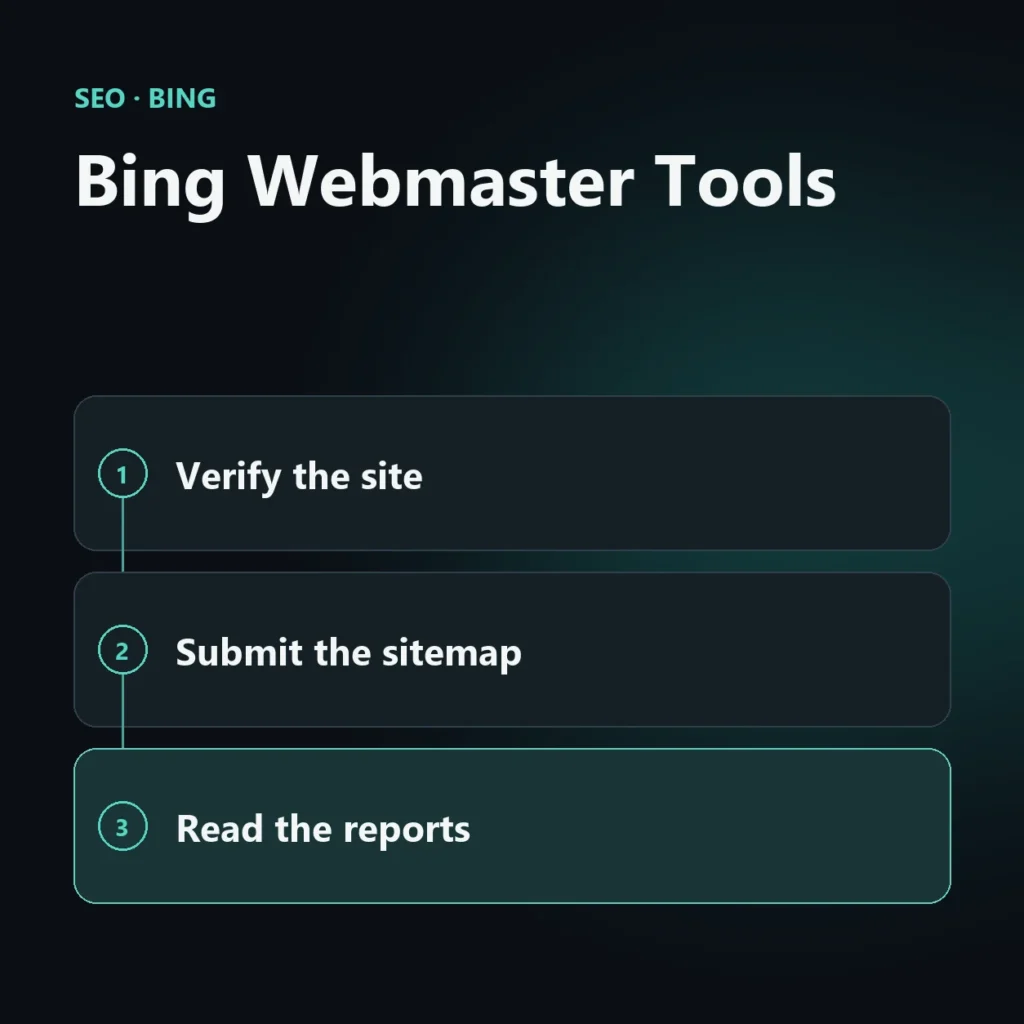
Bing Webmaster Tools is Microsoft’s free tool for registering a site with Bing, submitting a sitemap, checking indexing and reading search performance. It is the counterpart of Google Search Console, with data that covers only Bing and Microsoft’s AI-generated answers. Setting it up takes a few minutes, and without it you cannot know what Bing sees of your site.
This guide builds on the article about Bing SEO and goes deeper into the tool: how to add the site, how to verify it, what to look at in the reports and which mistakes to avoid.
What Bing Webmaster Tools is for
The tool answers four questions that otherwise go unanswered:
- Does Bing know my site? It shows how many pages Bing has indexed and which it has excluded.
- How much traffic does it bring me? The search performance report shows impressions, clicks, average position, queries and pages.
- Are there technical problems? It flags crawl errors, page issues and blocks.
- Am I cited in Microsoft’s AI answers? The AI Performance report counts citations in Copilot and in Bing’s AI summaries (see the dedicated article on the AI Performance report).
The data differs from Search Console because it measures a different engine. The two do not replace each other: you read them side by side.
How to add your site: two routes
1. Import from Google Search Console
This is the fastest route. Microsoft lets you import into Bing Webmaster Tools the sites already verified in Google Search Console, together with their sitemaps, without repeating verification. Sign in to Bing Webmaster Tools, choose the import option, sign in with the Google account that has access to the property in Search Console, and select the sites to bring over. Bing periodically rechecks ownership by syncing with your Google account: if you revoke access, you need to reconnect or use another verification method.
2. Add and verify the site manually
If you do not import, enter the site address and verify ownership with one of these methods:
- XML file: download a file from the tool and upload it to the site root.
- Meta tag: add one line to the home page header. On WordPress this is the most convenient: the main SEO plugins, such as Rank Math, have a field for the Bing verification code, so you do not need to touch the theme.
- DNS record: add a record to the domain, useful if you cannot access the site files.
- Domain provider integration: some registrars allow verification in a few clicks.
After publishing the code, go back to the tool and press the verify button. If verification fails, it is usually because a cache is still serving the old version of the page: clear it and try again.
After verification: sitemap and first check
- Submit your sitemap. Enter the address of the XML sitemap in the dedicated section. With an SEO plugin it is already generated, and if you imported the site from Search Console it was already submitted.
- Check indexing status. See how many pages are indexed and which are not. A number much lower than on Google is the first signal to look into: the guide to pages not indexed on Bing explains how to find the cause.
- Inspect an important URL. The URL inspection tool shows how Bing sees a specific page.
- Wait a few days. The performance reports fill up over time. The first days show few numbers.
The reports worth reading
Menu names change from time to time, so look for the feature. The ones that really matter are:
- Search performance. Impressions, clicks, average position, queries and pages. Check it once a month, comparing with the previous period.
- URL inspection. To understand why a specific page does not appear.
- Sitemaps. To see whether it was read and with what errors.
- Crawl reports. Among the crawl data is the list of 403 errors: if there are many, the server or a firewall may be blocking Bingbot (covered in the article on Bingbot).
- Inbound links and site analysis. To see who links to the site and which technical issues the tool reports.
- AI Performance. Citations in Microsoft’s AI answers, in public preview since February 10, 2026.
For developers, there is also a Webmaster Tools API: you generate the key in the tool and it lets you pull data such as impressions and clicks automatically. It is an option for anyone who wants to bring this data into a dashboard, not something needed for normal use.
A ten-minute monthly routine
- Open search performance and compare impressions and clicks with the previous month.
- Look at the pages that are growing and those that are falling, and the queries behind them.
- Check for new crawl errors or excluded pages.
- Open AI Performance and note which pages are being cited.
- Compare with Google Analytics: do the visits from Bing match the clicks you see here?
Common mistakes
- Losing verification. If you remove the meta tag or change theme or plugin, verification can drop and the data stops. Check it now and then.
- Forgetting the import. People who already have Search Console often redo everything by hand: importing is faster.
- Blocking Bingbot by accident. An over-restrictive robots.txt, or a firewall that mistakes it for a hostile bot, will stop anything being indexed.
- Reading the data like Google’s. Volumes are much lower, especially outside the US and the UK: what matters is the trend and the comparison with real visits.
Frequently asked questions about Bing Webmaster Tools
Is Bing Webmaster Tools free?
Yes. You need a Microsoft, Google or other supported account to sign in, and there is no cost.
Can I use Bing Webmaster Tools if I already have Search Console?
Yes, and you should: you import the site from Search Console without repeating verification. The two tools show data from different engines and are used together.
Which verification method is easiest on WordPress?
The meta tag, added through the SEO plugin’s verification field. It does not require editing the theme or uploading files.
Why am I seeing so little data?
Bing has a much smaller share of searches than Google, and the reports fill up over time. Look at the trend over a few weeks, not a single day.
What happens if I remove the verification code?
Ownership may no longer show as verified and the data stops updating. Putting the code back and verifying again fixes it.
Want to know what Bing sees on your site?
Setting up the tool is the first step, but the data only helps if you know what to do with it. I check indexing, crawl errors and performance and tell you what to fix and what to leave alone.
SEO, GEO and AEO specialist
Related articles
 SEOContent Gap Analysis: What Competitors Write and You Don’tOctober 30, 2026
 SEOBacklink Gap: Analyzing Competitor LinksOctober 30, 2026
 SEOHow to Find Your Real SEO CompetitorsOctober 30, 2026
Explore by topic