
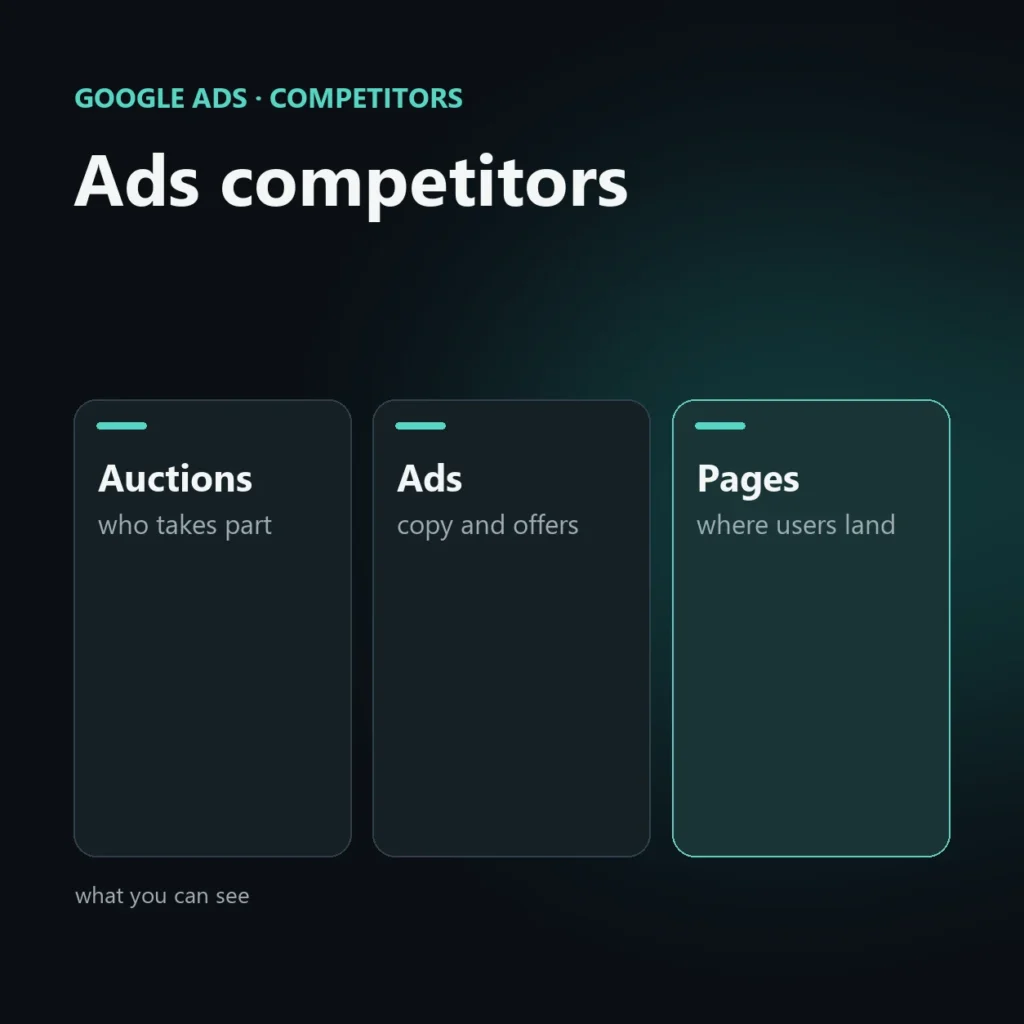
Google Ads competitor analysis shows who advertises on your searches, with which ads and how often. It does not show how much they spend or their settings: that data is not public.
This guide explains what you can really see, with Google’s tools and paid ones. It is part of the guide to online competitor analysis.
What you can know and what you cannot
| You can see | You cannot see |
|---|---|
| Which ads appear for a search | The competitor’s budget |
| Who takes part in your same auctions and how often | Their bids and their quality score |
| Copy, offers and landing pages | How many clicks and conversions they get |
| Ads shown by an advertiser (in some cases) | The keywords they bid on, other than as estimated by tools |
Google Ads auction insights
If you already run campaigns, the auction insights report shows the other advertisers taking part in your same auctions. Among the data: impression share, overlap rate, how often a competitor appears above you and how often they outrank you. The exact definitions and available columns can change, so check Google’s help in your interface.
Read it like this: a competitor with high overlap who often appears above you is the one you meet most often and who is beating you on the top positions.
Ads Transparency Center
Google publishes a tool where you can search the ads shown by an advertiser and see the active ones. It is useful for reading the copy, seeing how many different ads a competitor uses and how its messages change over time. Coverage can vary by country and ad type.
Manual search
Search your commercial keywords from different areas and at different times, and record the ads. That also lets you see the landing page: open the competitors’ pages and compare them with yours on offer, prices, proof of reliability, speed and ease of contact. Do not repeatedly click on others’ ads: it costs the competitor money and can break Google’s rules.
Paid tools
Semrush, SpyFu and other services estimate the keywords a site advertises on and show ad copy. They are sample-based estimates: use them to get a sense of the type of offer and keywords, not to learn spending.
What to do with it
- Find the message nobody uses: a guarantee, a delivery time, a service others do not mention.
- Check your landing page against theirs.
- Decide whether to enter a dominated auction or aim at more specific searches, where it costs less.
- Exclude irrelevant searches that emerge from the analysis.
Mistakes to avoid
- Copying the competitor’s ads: standing apart pays more.
- Clicking others’ ads to “have a look”.
- Taking tools’ spend estimates as real data.
- Looking only at ads and not at the page the user lands on.
Frequently asked questions
Can I know how much a competitor spends on Google Ads?
No, it is not public data. Paid tools provide sample-based estimates.
Where do I see who takes part in my auctions?
In the Google Ads auction insights report, available if you have active campaigns. Check the exact names in your interface.
Can I see another company’s ads?
Yes, with Google’s Ads Transparency Center, within the limits of coverage by country and ad type.
Is it useful if I do not run Google Ads?
Yes, to see who holds the commercial searches and whether it is worth entering. Auction insights, however, require active campaigns.
Who advertises on your searches?
I analyze the auctions you are in, your competitors’ messages and pages, and tell you where it pays to invest and where it does not.
SEO, GEO and AEO specialist
Related articles
 Google AdsWhen Google Ads doesn’t work: the 5 most common strategic mistakes (and how to avoid them)September 24, 2026
 Google AdsAutomation and scripts in Google Ads: what is really worth automating (and what isn’t)September 24, 2026
 Google AdsLong tail and SMEs: why niche keywords are the best investmentSeptember 24, 2026
Explore by topic