
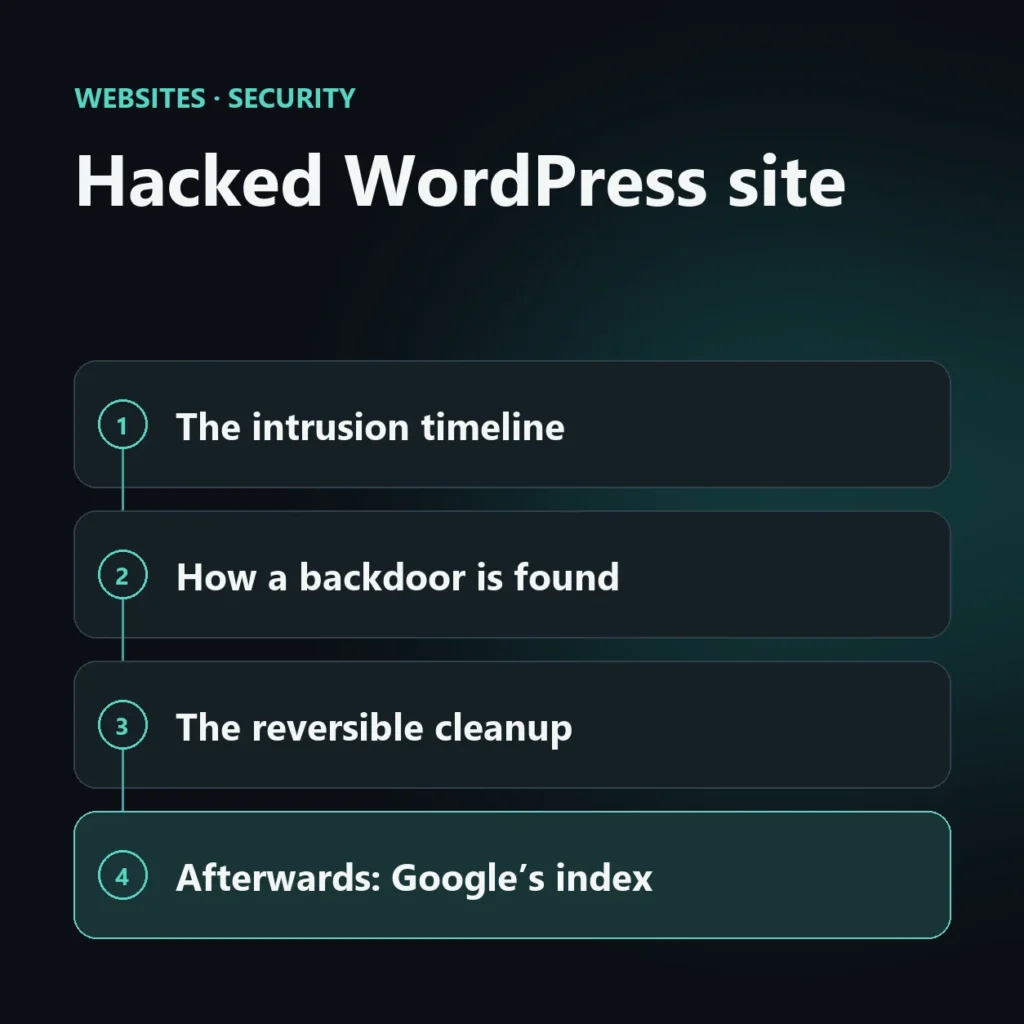
An A hacked WordPress site is often recognized by symptoms far from the cause. In this case, a real estate agency’s site had been publishing spam about casinos and betting for over a month. The cause was a compromised administrator account, not a flaw in WordPress core: with that access the attacker had installed fake plugins, a backdoor in the mu-plugins folder and an application password to publish via API. The article reconstructs the timeline, the checks used, the interventions and the points still open. The client is anonymous. The corresponding service is recovery of a hacked WordPress site.
The numbers of the hacked WordPress site
| Number | What it means |
|---|---|
| 66 | spam articles published with the compromised account since 25 August, out of 69 published in the same period. |
| 25+ | fake plugin and theme folders, many with a numeric name based on the timestamp. |
| 1 | backdoor in the mu-plugins, present since 28 July and invisible in the plugin list. |
| 17,700 | POST requests to xmlrpc.php in September alone. |
| 235 | spam articles moved to the WordPress trash, including those removed by hand. |
| 15 | plugins updated after the cleanup, with a second backup once the work was finished. |
The cause is a stolen administrative access. One question remains open: how the credentials were obtained. I say it right away because it is the most important part of the case.
The intrusion timeline, reconstructed from files and logs
The signs of the intrusion weren’t in a single place. File dates, server logs and database tables made it possible to reconstruct a sequence spanning months.
| Date (2026) | Event | How it was seen |
|---|---|---|
| 24 June, 8 August | First suspicious plugin and theme folders | Modification dates in wp-content |
| 28 July | A 36 KB file created in mu-plugins, with a name recalling that of a well-known security service |
File date |
| 5 August | Application password created on the compromised user | User metadata table |
| 25 August | Spam articles begin: 66 of 69 are from the compromised user | Database query |
| 31 August, 16:09–17:54 UTC | Plugin installations from several IP addresses, via wp-admin/update.php |
Access log: authenticated administrative session |
| 31 August, 23:47 | First spam article via REST API (POST /wp-json/wp/v2/posts, response 201) |
Access log |
| 29 September | Last use of the application password | Application password metadata |
| 3 October | Last spam article, then the cleanup | Database |
How to find a backdoor in a hacked WordPress site
Before touching anything: full backup of the account. Then read-only analysis, in the order in which the signals are most reliable.
Users and application passwords
List of administrators (wp user list --role=administrator) and of each one’s application passwords (wp user application-password list). Here the “ghost” password had been created since 5 August.
Files sorted by date
Plugin and theme folders created in narrow time windows are the sign of an automated installation. Core is checked with wp core verify-checksums, plugins with wp plugin verify-checksums --all.
The mu-plugins folder
Must-use plugins are always loaded and don’t appear in the plugins screen. A file in there that nobody remembers putting in must be read line by line.
Server access logs
POST requests to update.php and to the REST API, IP addresses, times. They serve to tell a normal login from the session used to install the fake components.
Database, read-only
SELECT queries on posts, users and options: who wrote what and when. No changes until the picture is clear.
What I did, in a reversible way
Rule of the job: you move, you don’t delete. All suspect components ended up in a quarantine folder outside the site, with the possibility of putting them back.
Backup first
Full backup before the changes and a second backup once cleanup and updates were finished.
Quarantine
More than 25 folders of fake plugins and themes, the backdoor, 8 default themes and 8 inactive plugins.
Access closed
Application password revoked, sessions of the compromised user disconnected, firewall and scanning enabled.
Updates
15 plugins updated. The block on file modifications (DISALLOW_FILE_MODS) was lifted only for the time needed and set back to true.
Content
Spam articles in the trash: reversible. Permanent deletion is up to the owner, after a check.
Report
Every intervention with where it was done and how to go back. You can verify it, you don’t have to just trust.
A cleanup without changed passwords is a pause, not a solution.
The questions left open in the case
A good report declares its limits. At the time of delivery these points remained open.
How the credentials were stolen. There is no proof. The most likely hypothesis is phishing or a password reused elsewhere; it was not proven. The brute force on xmlrpc.php was constant, but there is no evidence that it succeeded.
The other accounts. Six users, all administrators. One compromised with direct evidence, two to be considered at risk by inference, three at low risk. WordPress doesn’t record last login: without an audit plugin, there is no way to say who got in.
Users deleted in the past. Five IDs are missing from the list: they were accounts created and then removed. It is no longer possible to know who they were.
The database. The files were cleaned; the database wasn’t, beyond the articles. After the password change, users, options and schedules must be reviewed again.
After the cleanup: Google’s index and the spam URLs
The spam articles in the trash return a 404, but remain in the index until Google rechecks them. There are two complementary routes: report the URLs with Search Console’s removal tool and let the 404 do the rest. The Manual Actions section should also be checked. Google’s documentation on hacked sites describes the path. A case like this may not receive any manual action: you check, you don’t assume.
Checklist for a hacked WordPress site
| Step | What to do |
|---|---|
| 1 | Full backup of files and database before changing anything |
| 2 | List of administrator users and their application passwords |
| 3 | Check of mu-plugins, plugins and themes by creation date and checksum |
| 4 | Reading access logs: POST on update.php, REST API, xmlrpc.php |
| 5 | Quarantine of suspect components, without deleting |
| 6 | Revocation of application passwords and disconnection of sessions |
| 7 | New passwords for WordPress, hosting, FTP and database; security keys regenerated |
| 8 | Two-factor authentication on administrators and reduction of their number |
| 9 | Update of core, plugins and themes; removal of what isn’t needed |
| 10 | Search Console: spam URLs, manual actions, possible reconsideration request |
Do you have the same symptoms?
Write to me with what you see on your site: I’ll answer you myself, in person, and tell you where to start.
Recovery of a hacked WordPress site
Frequently asked questions about this case
Was the cause a WordPress flaw?+
No. In the case described, the cause is a stolen administrative access. WordPress core doesn’t appear to have been breached; old plugins increased the risk but are not the proven cause.
Why not delete everything right away?+
Because a component mistaken for fake, but in use, breaks the site. Moving it to quarantine lets you verify and go back.
What is a must-use plugin?+
It is a file in the wp-content/mu-plugins folder that WordPress always loads, without activation. In the plugin list it appears in a separate section or doesn’t appear at all: that is why it is a frequent hiding place.
Is the client’s name public?+
No. The case is real but anonymous: names, email addresses and IP addresses are not published.

SEO, GEO and AEO specialist
Related articles
 Website CreationFrom site to funnel: how to design a path that convertsSeptember 24, 2026
 Website CreationSpeed, usability and SEO: the three technical pillars no site can ignoreSeptember 24, 2026
 Website CreationNo-code, low-code and custom development: which approach should you choose for your company?September 24, 2026
Explore by topic