
A site migration without losing organic traffic requires a complete mapping of 301 redirects, keeping the URL structure whenever possible, and intensive monitoring in the first 4–6 weeks after launch. It is one of the highest-risk SEO activities: a redirect mistake can wipe out months of rankings in a few days.
What an SEO migration is and when you need one
We talk about an SEO migration whenever the domain, protocol (http→https), URL structure, CMS or design of the site changes substantially. Even a simple graphic redesign, if it changes the URLs, must be treated as a full migration.
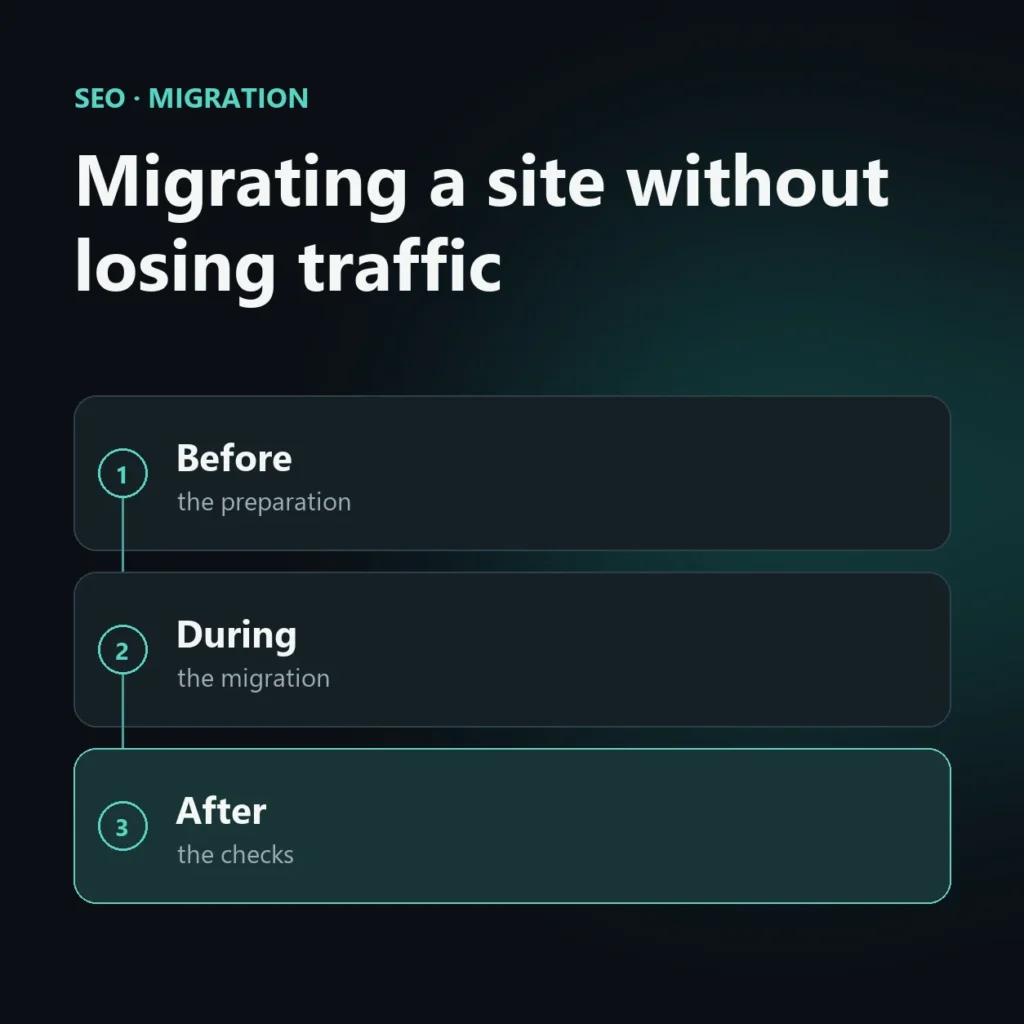
Migration checklist: before, during, after
Before the migration
- Full crawl of the current site: export all indexed URLs with Screaming Frog or an equivalent tool
- Old URL → new URL map: every page must have a precise destination, not generic redirects to the home page
- Full backup of database and files
- Snapshot of current metrics: rankings, traffic, backlinks, to have a baseline for comparison
During the migration
- Implement 301 redirects (permanent, never 302) for every mapped URL
- Update the XML sitemap with the new URLs and resubmit it
- Check that robots.txt does not accidentally block the new site
- Keep the same title and meta description in the first phase, to isolate the effect of the migration from other variables
After the migration
- Submit the new sitemap in Google Search Console and use the “URL Inspection” tool on the main pages
- Monitor 404 crawl errors daily for the first two weeks
- Compare traffic and rankings with the pre-migration snapshot every week for at least 2 months
As the official Google Search Central documentationpoints out, the time for full ranking recovery after a well-executed migration is typically a few weeks, but it can get longer if redirects are incomplete or chained.
The most common mistakes in SEO migrations
The two mistakes that cause the biggest traffic drops are redirect chains (A→B→C redirect chains instead of a direct A→C) and generic redirects to the home page instead of to the exact equivalent of the page. Forgetting to update canonical tags is also a frequent mistake.
For a complex migration it is worth pairing this checklist with a dedicated SEO migration service, especially on sites with thousands of indexed URLs.
Frequently asked questions about SEO migration
How much traffic is lost during a migration?
With a well-planned migration, the temporary drop is generally contained (10–20%) and recovers in a few weeks. Without planning, the losses can be permanent.
How long does it take to recover rankings?
From 2 to 8 weeks on average, depending on the size of the site and the quality of the redirect execution.
Do I need to change URLs during a graphic restyling?
No: if the restyling doesn’t change the URLs, SEO is not at risk. The problem only arises when page addresses change.



SEO, GEO and AEO specialist
Related articles
 SEOContent Gap Analysis: What Competitors Write and You Don’tOctober 30, 2026
 SEOBacklink Gap: Analyzing Competitor LinksOctober 30, 2026
 SEOHow to Find Your Real SEO CompetitorsOctober 30, 2026
Explore by topic